Guide5 min read
The unplug test: how to check that an AI really runs in your office
“Local” and “private” are easy to print on a box. Disconnect the internet and see what still works. A 10-minute test, step by step.
By the LionBox team
“Local”, “private” and “on-premise” are easy to print on a box and hard to check from a brochure. One claim, though, you can verify yourself in about 10 minutes, without special tools and without taking anyone’s word for it: whether the AI still works when the internet does not.
We call it the unplug test.
What the test proves
An answer has to be computed somewhere. If that happens on a server on the internet, the answers stop when the connection does. If they keep coming with the internet line pulled, the model is running on hardware inside your office. There is no third option.
Before you start
- The box is set up and at least one person can sign in to the workspace.
- A computer on the same office network, wired or on the office Wi-Fi.
- Access to the router, or to whoever looks after it.
- A quiet moment: the whole office is offline for a few minutes.
The test in 5 steps
Check that it works normally
Open the workspace in the browser, at lionbox.local on a LionBox, and ask a question. You want a known good state before you change anything.
Disconnect the internet, not the network
Unplug the cable that links your router to the outside line, usually the port marked WAN or Internet. Leave the router, the switch and the box powered, so the office network keeps running.
Confirm the internet is really off
On the same computer, open a public website. It should fail to load. If it loads, the computer has found another way out, often a phone hotspot.
Ask something new
Reload the workspace and ask a question you have not asked before, for example a summary of a paragraph you paste in. A new question cannot be answered from an old reply.
Ask one of your documents
Put a question to a document you have added to a knowledge space and look at the source the answer names. Then plug the cable back in.
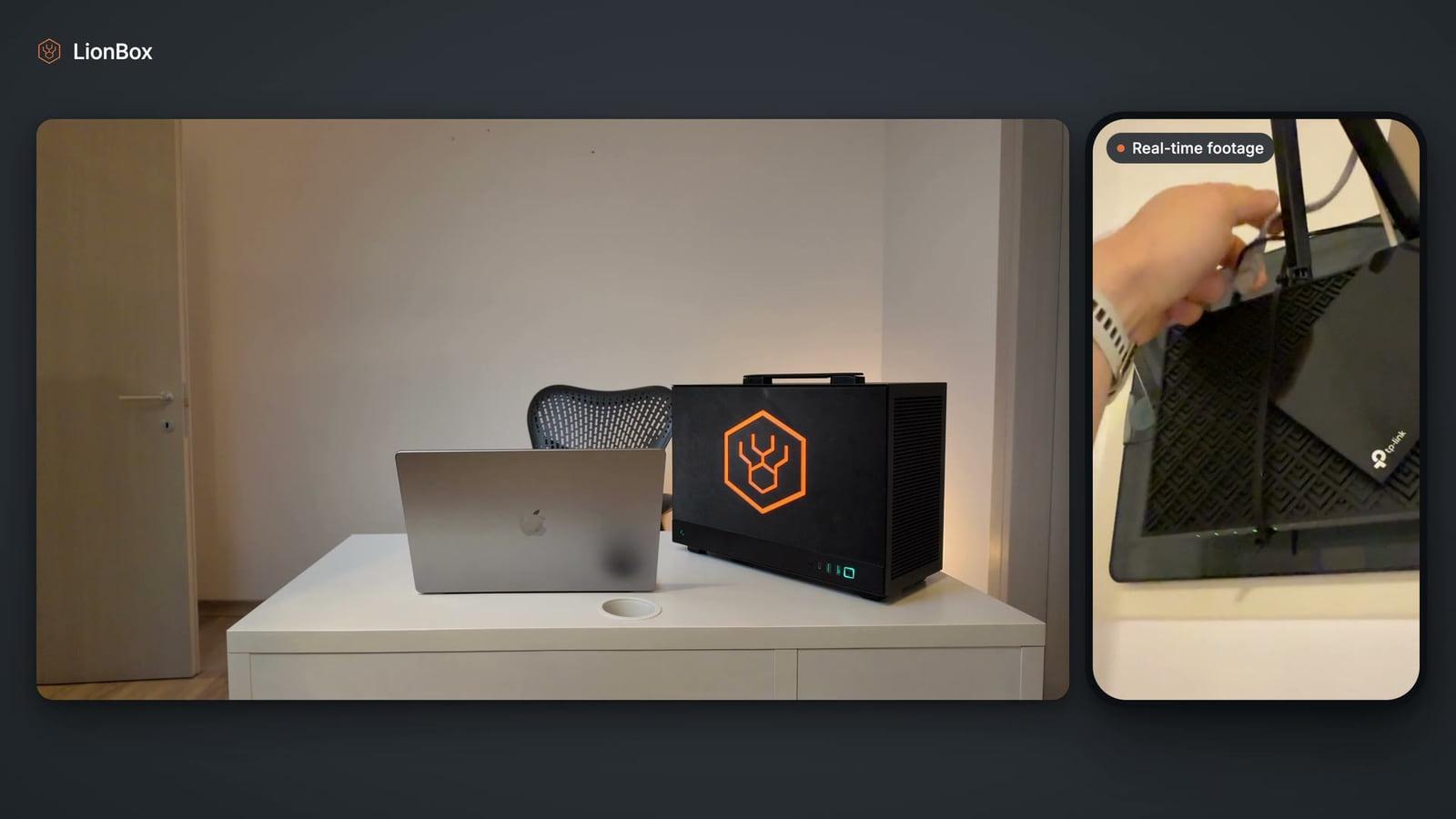
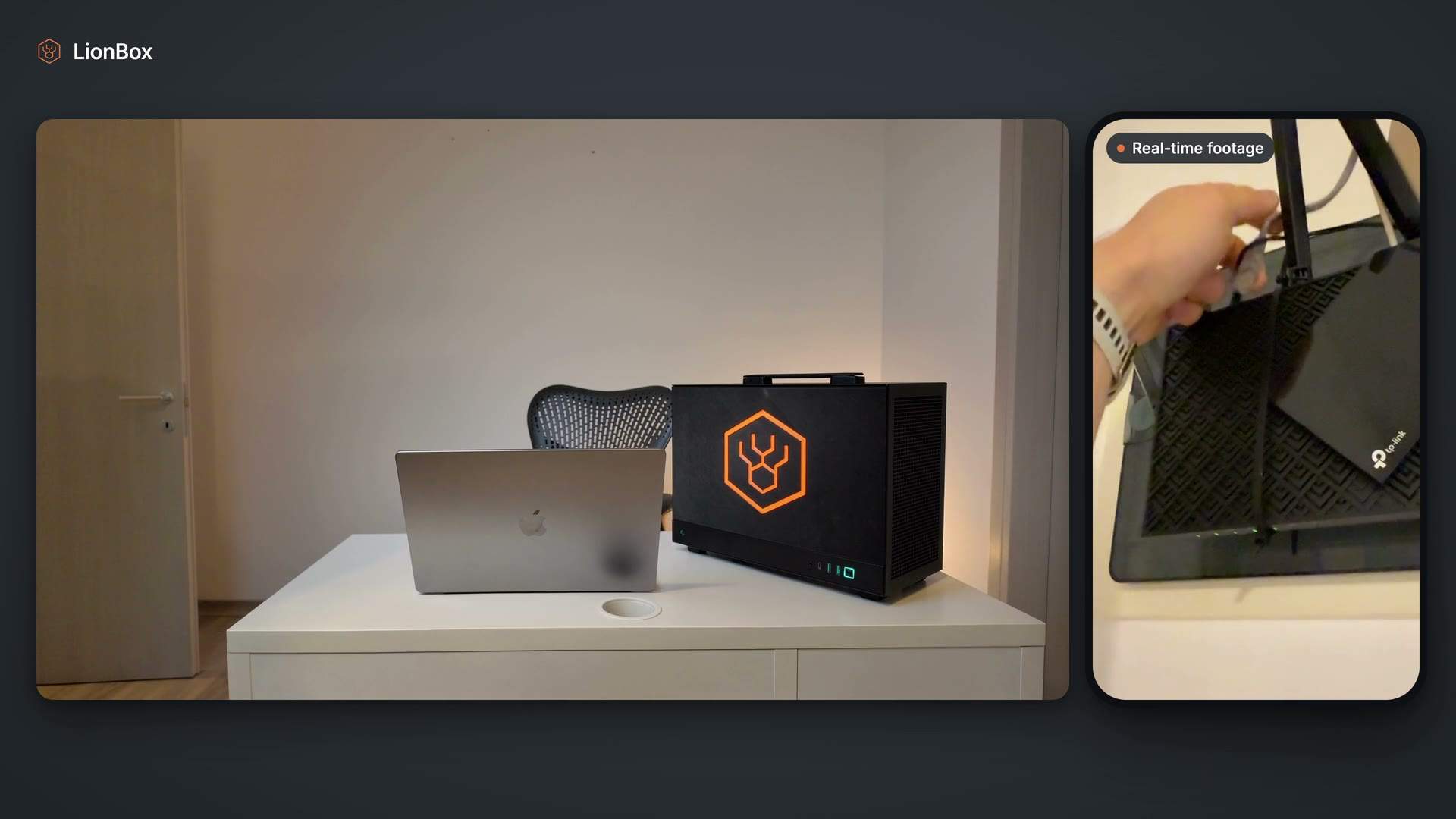
Here is the same test on a LionBox, filmed in real time:
What should work offline, and what should not
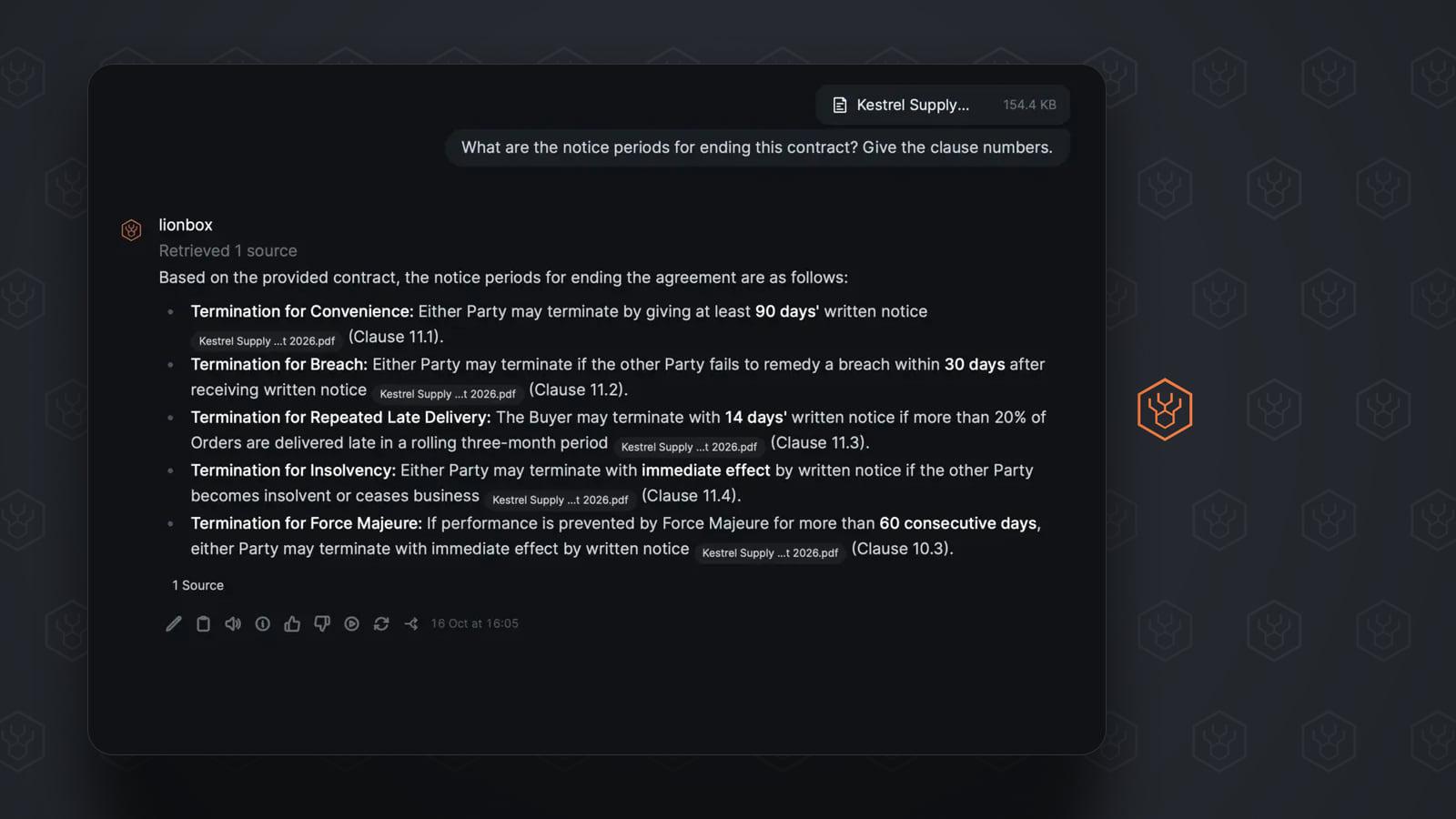
- Works: chat, questions about files you attach and answers from documents already indexed on the box.
- Does not work: internet search. It needs the internet by definition, and on LionBox it is off unless an administrator turns it on.
- Waits: downloading a software update. The administrator’s phone needs a connection to fetch it; the box does not.
Four ways to get a wrong result
- Unplugging the box. Then nothing answers, and you have learned nothing. It is the internet that gets disconnected, never the box.
- Turning off Wi-Fi on the laptop. The laptop can no longer reach the box, while the box itself may still be online. Disconnect at the router instead.
- A laptop that switches networks. Some computers quietly join a phone hotspot when the office line drops. Then the workspace does not load, for a reason that has nothing to do with the AI.
- Repeating an old question. Always ask something new once the line is out.
What the test does not prove
The unplug test shows that everyday AI work does not depend on the internet. It says nothing about what a product sends out while the internet is connected. For that you have to read what the optional features do, and it is worth asking every vendor the same question.
For LionBox the answer is short. Internet search is off by default; if an administrator turns it on, only the search text leaves the box, never your documents. Software and model updates arrive as signed bundles through the administrator’s phone, and the box does not fetch them itself. The details, including the controls we have not finished yet, are on the security page.
If your team will never use internet search, whoever looks after your network can also block the box from the internet at the router for good. Chat and document answers do not need it.
Use it on any private AI you evaluate
The test is not specific to our product. Run it on any device or software sold as local or private, and ask the vendor for the list of features that stop working offline. A short, specific list is a good sign. A vague answer is an answer too.
On a LionBox the test is part of setup: the last step of the quick start asks the administrator to disconnect the internet and run a prompt. The box setup guide shows the full path from sealed box to first prompt.