
Privacy6 min read
Your team already uses AI. Do you know where the work goes?
People paste contracts, client emails and spreadsheets into AI tools the company never chose. How to find out what is happening, and three ways to fix it.
By the LionBox team
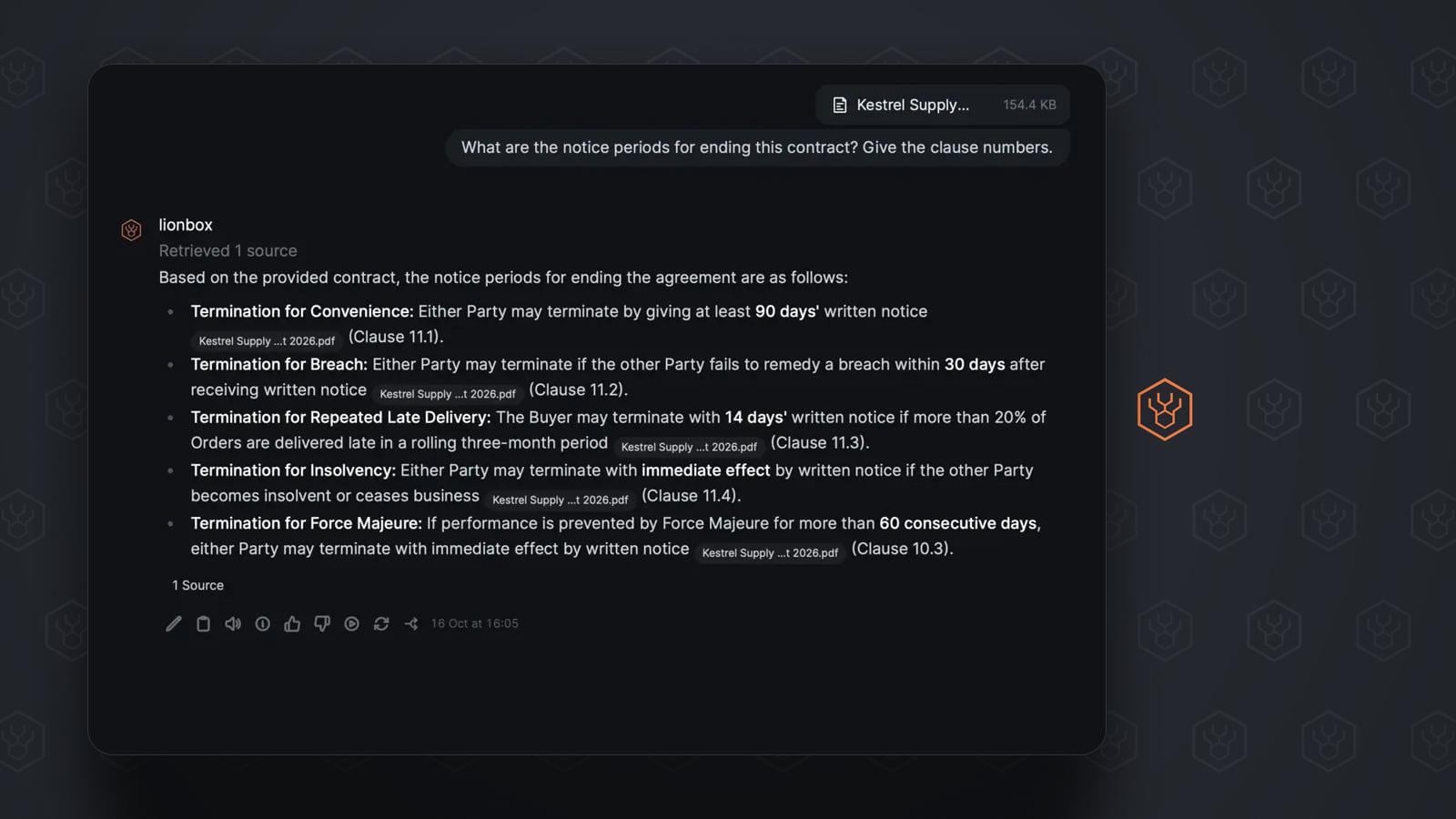
Someone at a law practice pastes a clause into a chat window to get it in plainer words. Someone in accounting uploads a spreadsheet and asks why two totals differ. The office manager records a meeting and asks for the minutes. Nobody filed a request and nobody chose a supplier. It was faster, so it happened.
This has a name, shadow AI: AI tools used for work without the company deciding on them. If you run a team of 5 to 30 people, the useful starting assumption is that it is already going on in yours. Not because your people are careless. Because the tools help, and they are one browser tab away.
What leaves the office
Look at what gets pasted in a normal week:
- Contracts, offers and drafts, often with the other party’s name on them.
- Client emails, with names, addresses and the history of the case.
- Spreadsheets with salaries, margins or supplier prices.
- Recordings and notes from internal meetings.
- Documents uploaded in full for translation.
Where that material goes depends on the tool and on the plan. Many consumer AI plans may use conversations to improve their models unless the user turns that off. Business plans usually rule it out in a contract and add controls for an administrator. An employee signed in with a personal account is on the consumer terms, whatever your company policy says.
Terms change, so read the current ones for the tools your team names. The point is not that every tool is unsafe. The point is that today you probably cannot say which terms apply to your clients’ documents.
Why this lands on the owner’s desk
- Confidentiality. If you signed an NDA or work under professional secrecy, client material in an account the company does not control is hard to square with that promise.
- Personal data. When client or employee data goes into a tool your company has no agreement with, your company is still responsible for it, and you cannot show where it went or have it deleted.
- No record. A personal account leaves with the person. You cannot review it, export it or close it when someone changes jobs.
This is general information, not legal advice. Your obligations depend on your sector and your contracts.
A 30-minute check for this week
Ask without blame
Ask the team which AI tools they use for work, and for what. Make it clear nobody is in trouble. An anonymous form gets more honest answers than a meeting.
List the document types
Write down what actually goes in: contracts, client emails, payroll, meeting recordings. This list matters more than the list of tools.
Check the accounts
For each tool: personal account or company account, and on which plan? Personal accounts are the ones you cannot see into.
Read the data terms
Three questions per tool: is content used for training, how long is it kept, and where is it processed?
Sort the documents
Mark each document type: fine in any tool, only in the approved tool, or never in an AI tool. Three groups are enough.
Why a ban does not hold
The quick reaction is to forbid it. The work still has to be done, though, and the tool is still one tab away, on a phone if not on the office laptop. A ban mostly turns visible use into invisible use, and you lose the one thing the check above gave you: knowing what happens.
What works is duller. Give people an approved tool that is as easy as the one they found themselves, and say plainly what may go into it.
Three setups that work
There are three honest ways to do that.
- Cloud AI on a business plan. You get a contract, administrator controls and the largest models. You pay for every seat, and your prompts are still processed on the provider’s infrastructure. A good fit when the work is not sensitive or needs the strongest models.
- AI that runs in your office. The model runs on hardware you own, on your own network, so prompts and documents do not need to go to an outside AI service. This is what we build: LionBox is a box on the office network that the whole team uses in the browser. It keeps working with the internet disconnected, and administrators manage accounts and permissions without reading private conversations. The trade-off: a model compact enough to run on one office box does not match the largest cloud models on very complex tasks. It is built for everyday office work, with a person checking the result.
- Both, with one rule. Sensitive material stays on the local tool. Everything else can go where it is most convenient. This is often the practical answer.
Whichever you choose, you can test a “local” claim yourself: disconnect the internet and see whether the AI still answers. The security page lists the steps.
Put the rule on one page
A policy nobody reads protects nothing. One page is enough:
- Which AI tool is approved, and where to open it.
- What never goes into any other tool: client files, personal data, financials, passwords.
- Answers are drafts. A person checks them before anything is sent or signed.
- Who to ask when a case is not on the page.
Your team has already decided to use AI. The decision still open is yours: where the work goes. To see what stays on a LionBox and what can leave it, read the security overview, or see how LionBox works.